Universal Mount
A standardised, 3D-printable mounting system from the go3dp project. See the full design document for the review of existing designs, the parameter table, and the v0/v1/v2 build plan.
v0 — solid octagonal frustum, size series
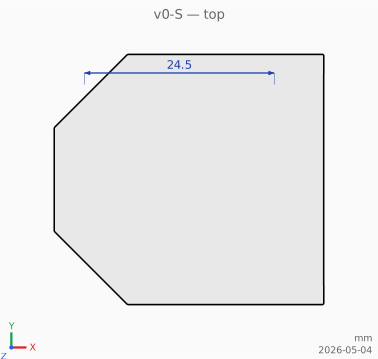
The first build target: a solid octagonal frustum block, fastened to a wall (or any flat surface) by countersunk wood screws passing axially through it. The 45° outer slope means every external face prints support-free in any of six orthogonal orientations. Adaptors will attach by sliding onto the outer face — that mating geometry is deferred to the next stage; v0 currently has no central insert and no clamp screw.
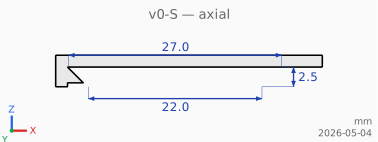
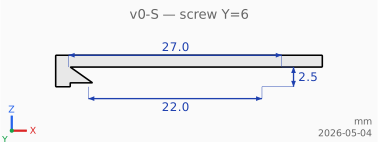
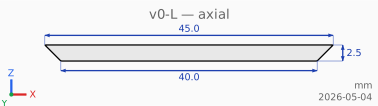
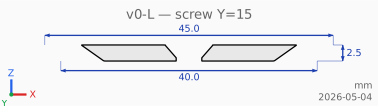
All four sizes are 2 mm tall. The screw head is recessed 0.25 mm below the outer face so it cannot foul whatever sits against it. All sizes use the same Spax 3.5 × 16 wood screw (see the parts catalogue).
Each size ships in three printable parts plus a non-printed negative volume for integration into other prints:
- Block — small face on the wall, large face out. Fixed to the wall with countersunk wood screws.
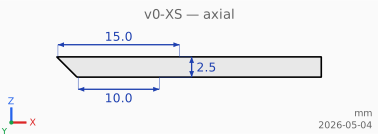
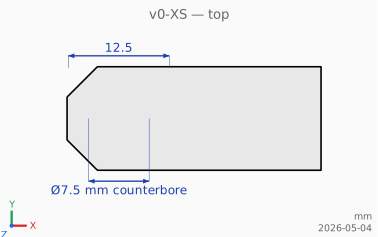
- Blockcut (negative volume, not printed) — the cavity-and-slot shape to subtract from a host object (cup, holder, bracket) so a v0 block can slide into it laterally and lock at the centre. Octagonal frustum at the origin (block + per-face tolerance) unioned with a 45°-tapered slot extending +X to a flat square end. Use the STL or 3MF as a Boolean subtraction in CAD; the resulting cavity prints support-free in the same orientation as the block.
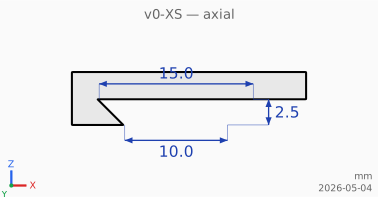
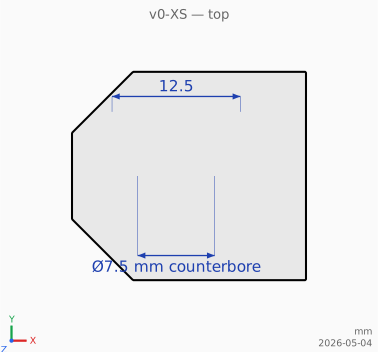
- Cover cap — rectangular cuboid that slides laterally over a wall-mounted v0 block. Cavity matches
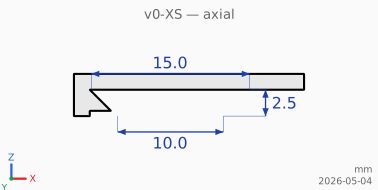
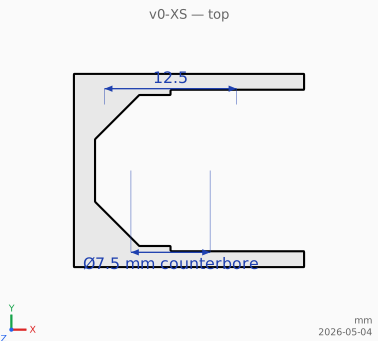
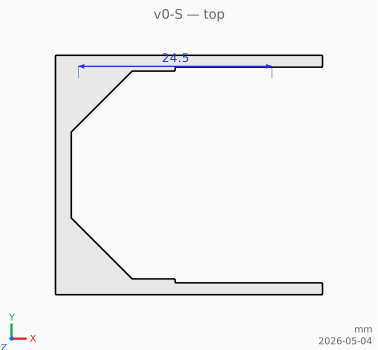
V0BlockCut(octagonal recess + tapered slot extending +X). The +X face is the slide-in opening; the other four closed faces (-X, ±Y, +Z) carry 2.5 mm of wall material. Sits flush with the wall on z=0. - Slide-on adaptor (first member of the adaptor family) — a separate sleeve that slides laterally over the block and provides a flat surface for attachments. Open at one end, closed at the other with a half-octagonal cap, with the v0 mount captured inside via a cavity matching the v0 frustum + a per-material tolerance (0.15 mm per face for PLA at 0.4 mm nozzle / 0.2 mm layer height — see V0AdaptorPLA for the full preset). Future adaptor types (hooks, brackets, pipe saddles) will share the same pocket geometry but vary the outer "utility" portion.
| Variant | Wall screws | Layout | Wi (wall) | Wo (room) | H |
|---|---|---|---|---|---|
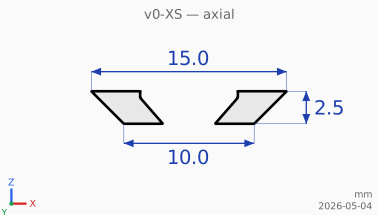
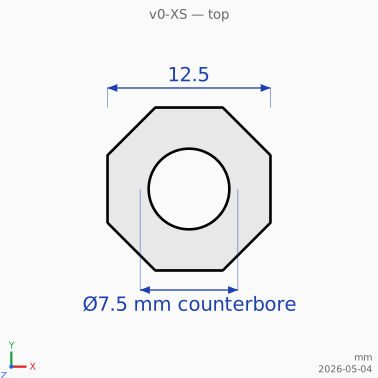
| v0-XS | 1 | central | 10 mm | 14 mm | 2 mm |
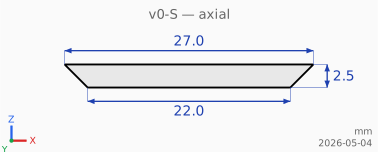
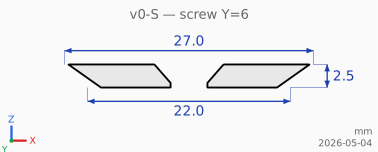
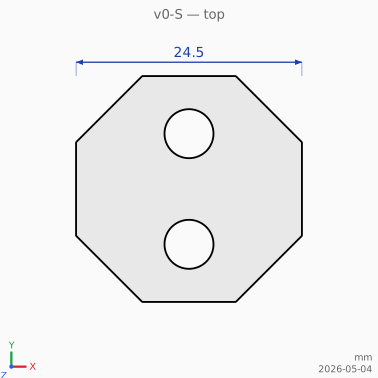
| v0-S | 2 | Y axis at ±6 mm | 22 mm | 26 mm | 2 mm |
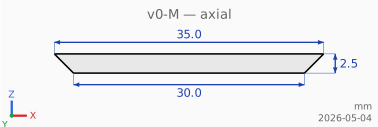
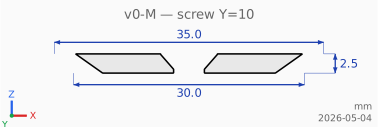
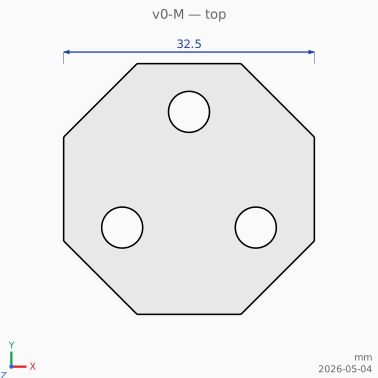
| v0-M | 3 | equilateral triangle, R = 10 mm | 30 mm | 34 mm | 2 mm |
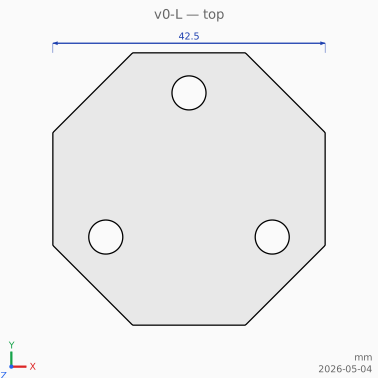
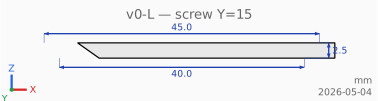
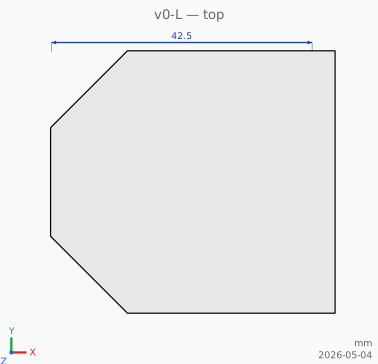
| v0-L | 3 | equilateral triangle, R = 15 mm | 40 mm | 44 mm | 2 mm |
Triangles are oriented with the first vertex at +Y (12 o'clock).
Variants
v0-XS — single central screw
Block
Cross section
Top view (z = H/2)
Downloads
- STL (print)
- 3MF (print + colour metadata)
- Cross section SVG
- Top view SVG
Blockcut
Cross section
Top view (z = H/2)
Downloads
- STL (subtract from host body)
- 3MF
- Cross section SVG
- Top view SVG
Cover
Adaptor (slide-on, PLA)
v0-S — two screws on the Y axis
Block
Cross section (through Y = 0, between the two screws)
Cross section (through +Y screw at Y = 6)
Top view (z = H/2)
Downloads
Blockcut
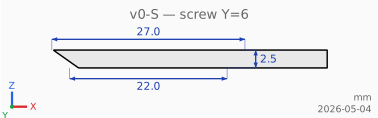
Cross section (through Y = 0)
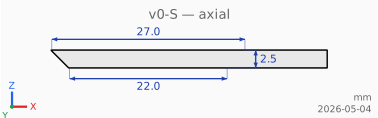
Cross section (through +Y screw at Y = 6)
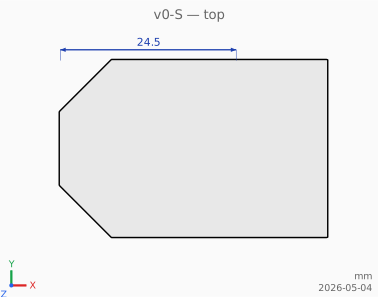
Top view (z = H/2)
Downloads
- STL (subtract from host body)
- 3MF
- Cross section SVG (centre)
- Cross section SVG (screw)
- Top view SVG
Cover
Cross section (through Y = 0)
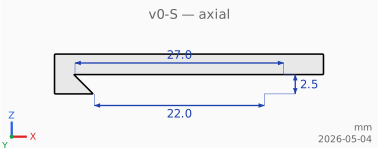
Cross section (through +Y screw)
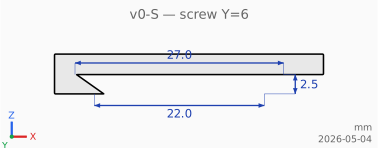
Top view (z = H/2)
Downloads
Adaptor (slide-on, PLA)
Cross section (through Y = 0)
Cross section (through Y = 6)
Top view (z = H/2)
Downloads
v0-M — three screws on a 10 mm triangle
Block
Cross section (through Y = 0, between two of the three screws)
Cross section (through the +Y vertex screw)
Top view (z = H/2)
Downloads
Blockcut
Cross section (through Y = 0)
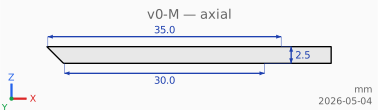
Cross section (through +Y vertex screw)
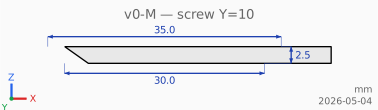
Top view (z = H/2)
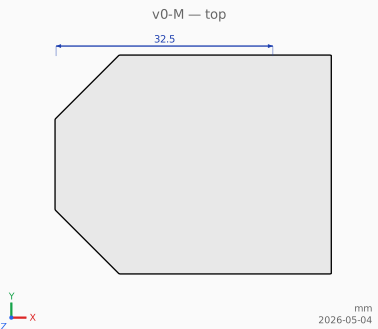
Downloads
- STL (subtract from host body)
- 3MF
- Cross section SVG (centre)
- Cross section SVG (vertex screw)
- Top view SVG
Cover
Cross section (through Y = 0)
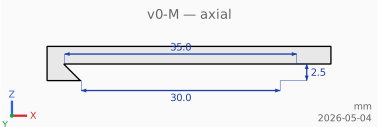
Cross section (through +Y vertex screw)
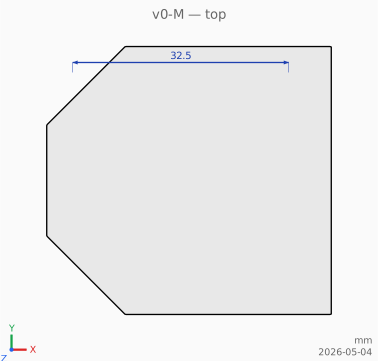
Top view (z = H/2)
Downloads
Adaptor (slide-on, PLA)
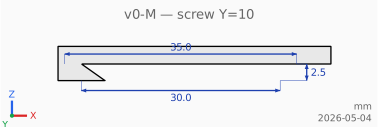
Cross section (through Y = 0)
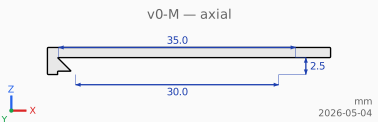
Cross section (through Y = 10)
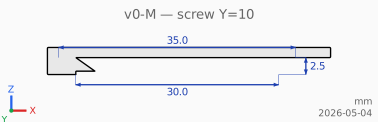
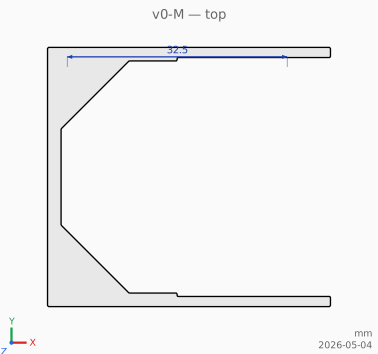
Top view (z = H/2)
Downloads
v0-L — three screws on a 15 mm triangle
Block
Cross section (through Y = 0)
Cross section (through the +Y vertex screw)
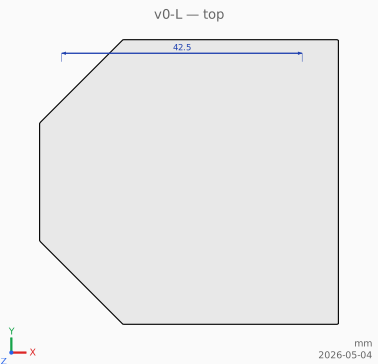
Top view (z = H/2)
Downloads
Blockcut
Cross section (through Y = 0)
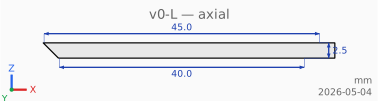
Cross section (through +Y vertex screw)
Top view (z = H/2)
Downloads
- STL (subtract from host body)
- 3MF
- Cross section SVG (centre)
- Cross section SVG (vertex screw)
- Top view SVG
Cover
Cross section (through Y = 0)
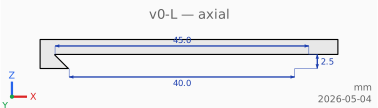
Cross section (through +Y vertex screw)
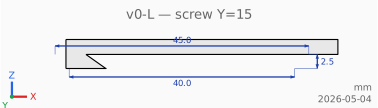
Top view (z = H/2)
Downloads
Adaptor (slide-on, PLA)
Cross section (through Y = 0)
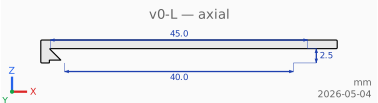
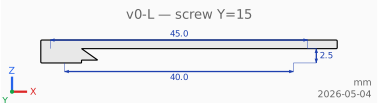
Cross section (through Y = 15)
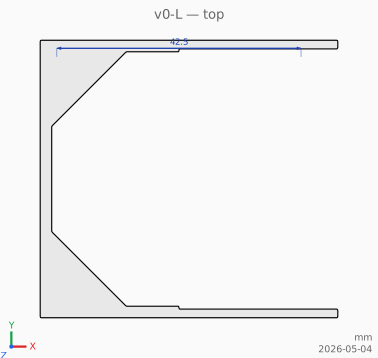
Top view (z = H/2)
Downloads
Building
task v0           # all sizes, block + cover, STL + 3MF + SVG
task v0:xs        # XS only (block + cover)
task v0:s         # S only
task v0:m         # M only
task v0:l         # L only
task v0:block     # all sizes, block only
task v0:cover     # all sizes, cover only
task v0:adaptor   # all sizes, slide-on adaptor only (PLA tolerances)
task v0:stl       # all sizes, STL only
task v0:3mf       # all sizes, 3MF only
task v0:svg       # all sizes, SVG cutaways only
task docs:build   # this page, rendered to docs/index.html
3MF mesher selection
3MF output goes through one of three mesher pipelines. The choice is set with -mesh on go run .; the Taskfile uses the default.
-mesh |
Pipeline | When to use |
|---|---|---|
merge |
dual contouring + planar-region merge | Default. Smallest files; collapses each flat face to a fan of triangles. Adaptors shrink ~95%, blocks/covers 15–35%. |
dc |
dual contouring only | Same triangle count as merge before merging — useful to bisect a slicer issue blamed on the merge step. |
octree |
octree + marching cubes | Original pipeline. Use if a slicer rejects the merged output (potential T-junctions across faces) or to compare. |
Examples:
go run . -size=m -out=3mf                # default: merge
go run . -size=m -out=3mf -mesh=dc       # dual contouring without merging
go run . -size=m -out=3mf -mesh=octree   # marching cubes (largest files)